
Engine guides, fixes and field notes
AceStream Guides
Install walkthroughs, protocol explainers, player and casting guides and fixes for a P2P client: every guide below was written from a real phone on a real network.
 Guide How to Install AceStream on Android: The Complete Setup Walkthrough The AceStream install done right: the verified file, the Android permission, first launch checks, and the first link test we recommend. Read guide →
 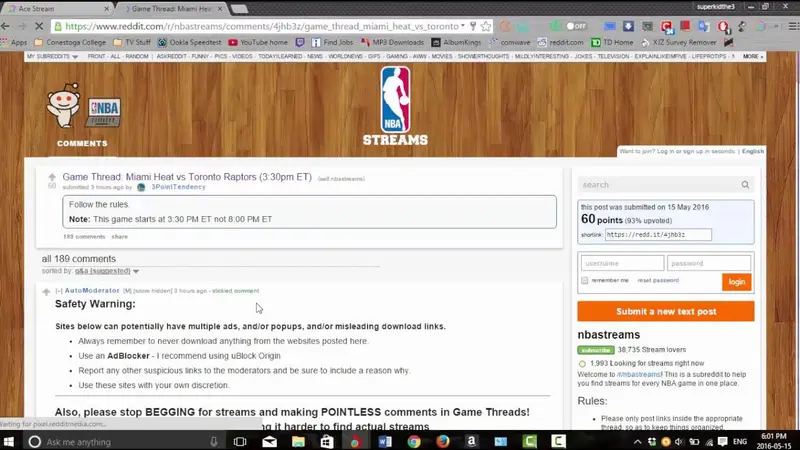 Guide Your First Stream With Ace Stream: Links, ContentIDs and the Open File Button From the home screen to a playing picture: pasting a link, opening a torrent file, reading the peer wait, and choosing where playback happens. Read guide →
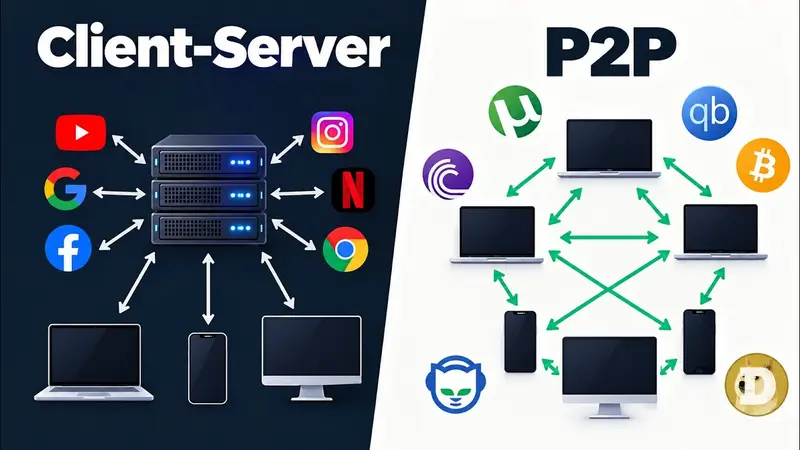
  Guide How P2P Streaming Works: Peers, Pieces and Live Broadcasts Explained The plain-English mechanics under Ace Stream: swarms, piece selection, live edges and why your phone uploads while it watches. Read guide →
  Guide AceStream ContentID Explained: What It Is and How to Open One ContentIDs demystified: how the identifier finds a broadcast, how it differs from a magnet link, and what to check when one will not resolve. Read guide →
 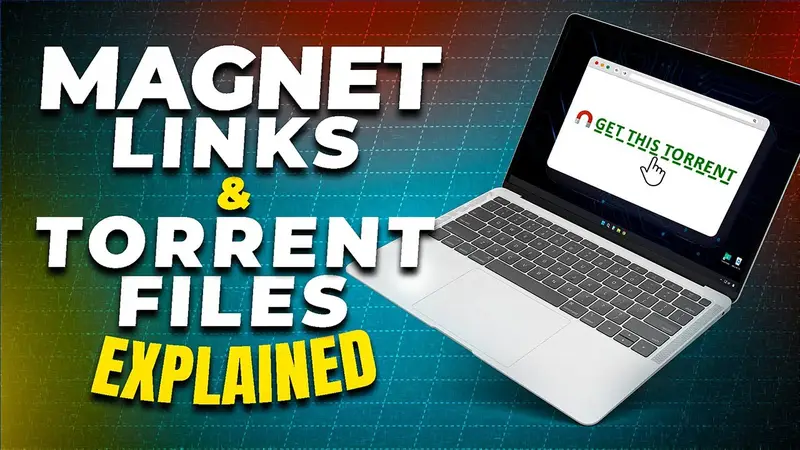 Guide Magnet Links in AceStream: Open, Stream and Troubleshoot How magnet links work with the client: opening from the browser, pasting into the field, reading tracker health, and the fixes for dead links. Read guide →
  Guide Torrent File or Magnet Link? How Ace Stream Handles Both The practical differences that matter for streaming: metadata, start speed, seeking, sharing, and which format to keep for your own library. Read guide →
  Guide AceStream Keeps Buffering? The Peer, Cache and Network Fixes That Work Buffering diagnosed properly: read the peer count first, then cache, upload saturation and network, in the order that actually fixes sessions. Read guide →
  Guide Formats AceStream Plays Natively: MKV, AC3 and the LibVLC Player The format list tested file by file: containers, audio tracks, subtitles, and the AC3 transcoding behaviour that matters when you cast. Read guide →
  Guide Ace Stream Player Settings: Audio Tracks, Subtitles and Output Modes The settings that earn their keep: stream output and transcoding, cache controls, track selection, and the defaults worth leaving alone. Read guide →
  Guide Ace Cast Explained: Send Any Stream to Your TV in Minutes Ace Cast step by step: same network, the code and QR link, what the receiving device needs, and fixing the TV that never appears. Read guide →
  Guide Google Cast With AceStream: Phone to TV Without the Stutter Casting to Chromecast and Google TV: the setup, the AC3 transcoding trade, band choices, and the order of fixes when a cast stutters. Read guide →
 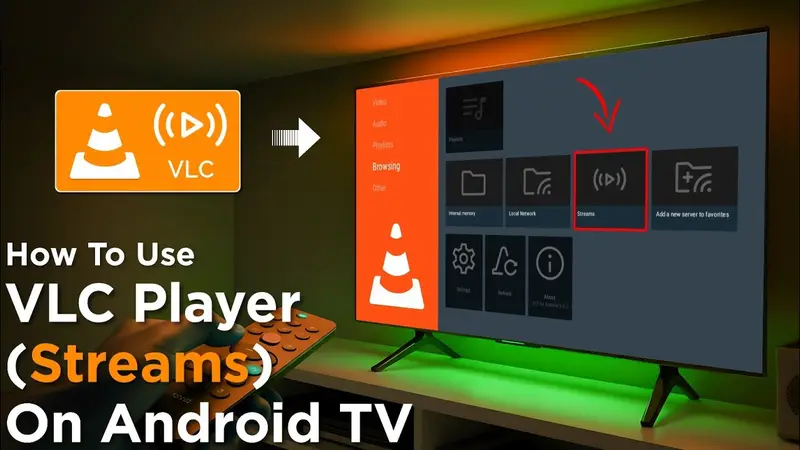 Guide AceStream on Android TV: Setup, Remote Control and Big-Screen Tips Running the client on the TV itself: installation on Android TV, navigating with a remote, receiving Ace Cast sessions, and keeping streams smooth. Read guide →
  Guide Inside the BitTorrent Protocol: Why P2P Streams Start Fast Trackers, swarms, rarest-first versus play-order, and peer exchange: the protocol mechanics that decide how any stream in this client feels. Read guide →
  Guide Does AceStream Use a Lot of Data? Uploads, Downloads and Data-Saving Settings An honest accounting of P2P data: why uploads count, how much a match or a film moves, and the habits that keep a metered plan alive. Read guide →
  Guide Is AceStream Safe? What the App Does, What It Never Ships and What to Check A clear-eyed safety review: verified files, permissions, the no-content design, P2P visibility, and the checks a careful user runs once. Read guide →
  Guide AceStream Common Problems: No Peers, Black Screen, No Sound and Fixes The field list in fix order: dead links, stuck metadata, black screens, silent MKVs, invisible TVs and the cache reset that ends most mysteries. Read guide →
  Guide Live Sports Over P2P: How Broadcast Streams Reach Your Phone Why big matches are P2P streaming's home turf: swarm growth during events, the live edge, delay behind the stadium, and watching responsibly. Read guide →
  Guide Using AceStream With Other Players and Apps: Open With, Hand-Offs and the API The engine as a team player: handing playback to external players, opening links from browsers and file managers, and what the developer API enables. Read guide →
  Guide How to Update AceStream Without Losing Settings or Linked Devices Updating a network client properly: install over the top, keep accounts and links, re-test one known stream, and check the settings that new builds change. Read guide →
  Guide Stream Torrents Without Downloading First: How Online Playback Works The end of the progress bar: fetching in play order, seeking into an unfinished file, quality that stays original, and when a full download still wins. Read guide →